
Dell Latitude 7400 Laptop Water Damage Repair Case Study in Subang Jaya
This laptop water damage repair addressed a Dell Latitude 7400 that was dead after a plain-water spill. Board-level repair of a shorted main power rail with internal cleaning and component replacement restored full power in 5 days.
Estimate price
From RM250
Confirmed after inspection
Turnaround
3 to 5 days
Board-level work
Warranty
30 days
Workmanship warranty
This Dell Latitude 7400 came to Geld Technologies with no power following a plain-water spill. The customer had left it to dry for a day before attempting to switch it on. The Dell logo appeared briefly, then the laptop shut down and would no longer power on.
Before: Liquid inside and a shorted main power rail
After removing the back cover, we found liquid still present on the fan housing, underneath the battery and on the underside of the motherboard.
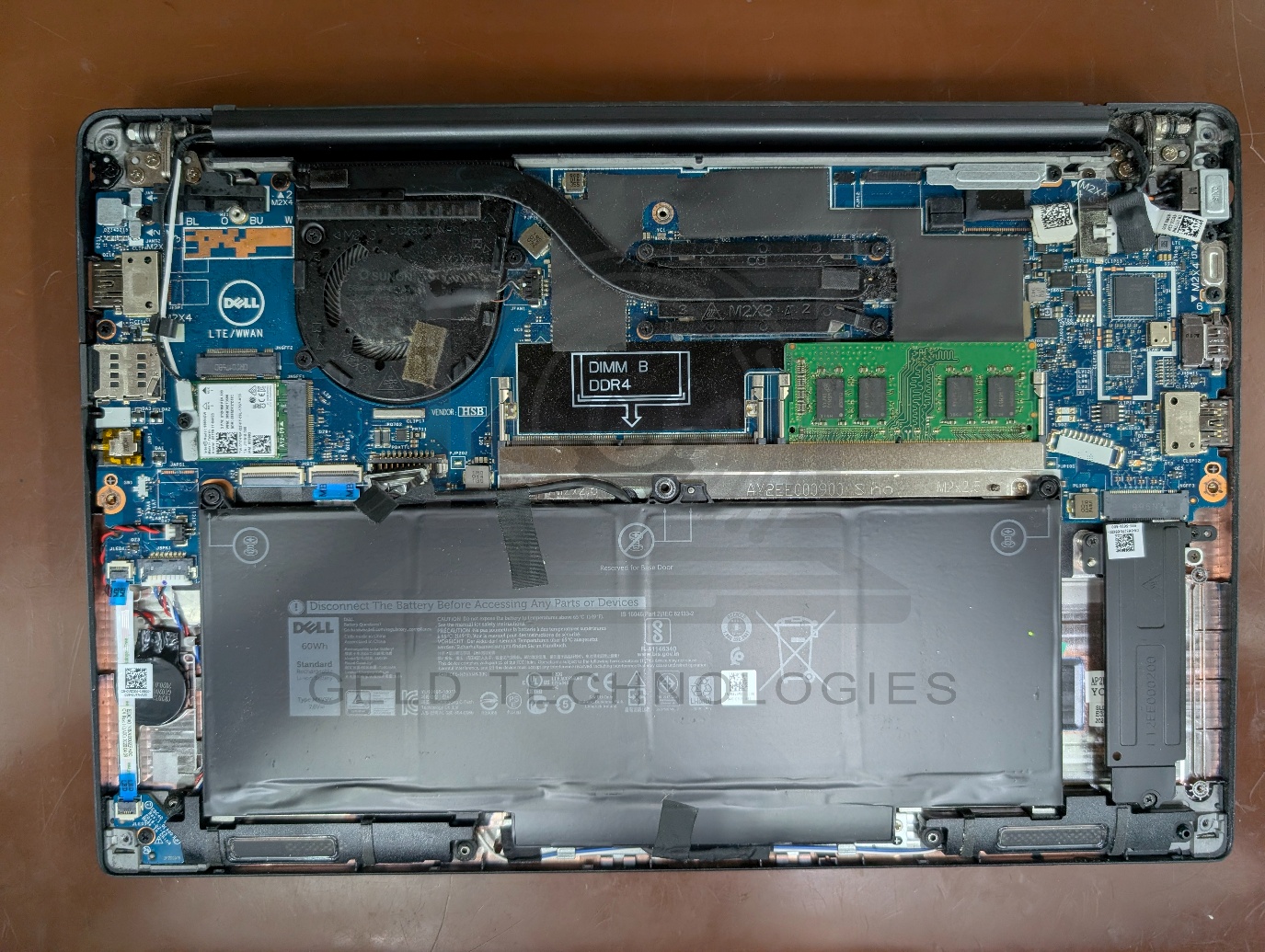
Board-level diagnosis identified a short circuit on the main power rail. The built-in screen also had visible watermarks from the liquid exposure.
This case shows why leaving a laptop to dry for a day does not necessarily make it safe to switch on. Moisture can remain trapped beneath components and inside the assembly, even when the outside appears dry.
Why single-point drying fails on a water-damaged laptop
Leaving a spilled laptop closed and air-drying is one of the most common mistakes we see on water damage jobs. It feels sensible: give the moisture time to evaporate, then test. In practice, this fails for three reasons.
First, modern laptop chassis are sealed enough to trap moisture under battery packs, around heatsinks and between the keyboard membrane and palmrest. The surfaces you can see dry in hours. The surfaces you cannot see stay wet for days.
Second, the real damage from a plain-water spill is not the water itself but the dissolved minerals and the galvanic corrosion that begins the moment the water contacts an energised circuit. By the time the outside is dry, corrosion on the motherboard may already be advanced.
Third, switching on a laptop with residual moisture risks a second short circuit on components that initially survived the spill. The first short may blow a protection circuit. The second short can damage the power management IC, the embedded controller or the CPU itself. A repair that would have cost RM250 at diagnosis becomes a RM800 motherboard job.
This is why we recommend bringing a spilled laptop in for inspection within 24 hours, powered off, and never attempting to switch it on at home to test.
Our repair process
We dismantled the laptop to access the affected areas, cleaned away the liquid contamination and carried out board-level repairs to address the shorted main power rail. The work included replacement of damaged components and general servicing before reassembly and testing.
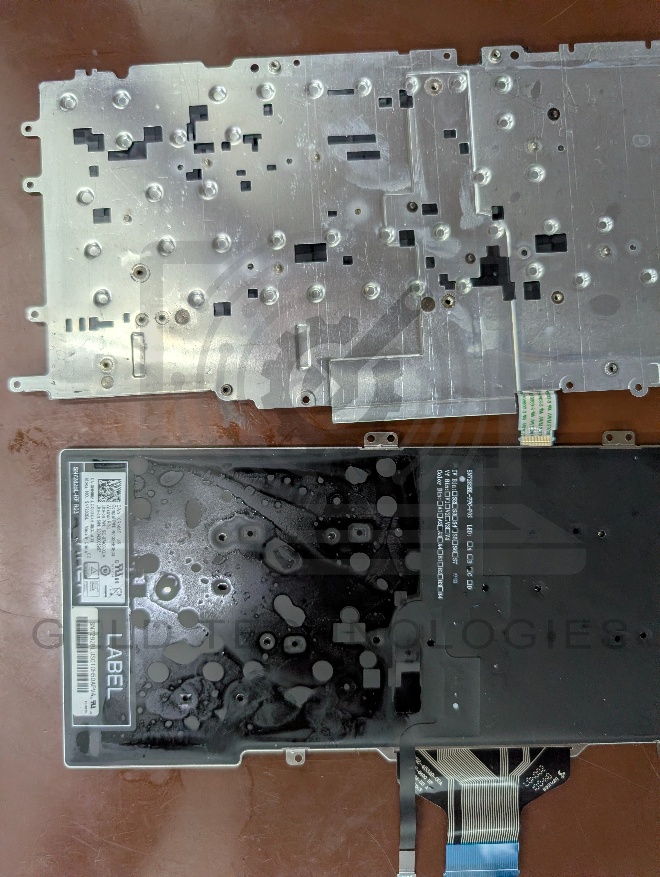
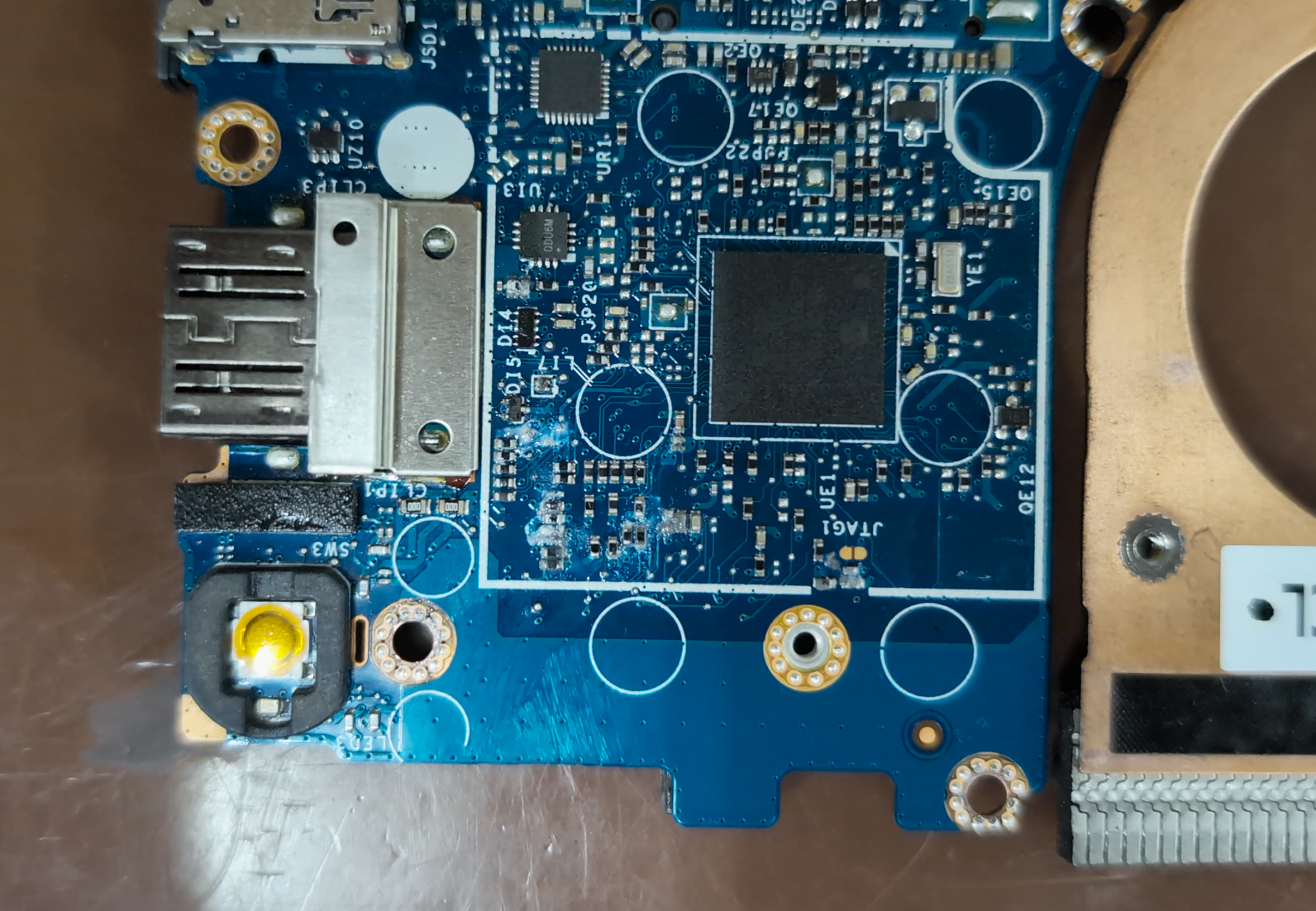
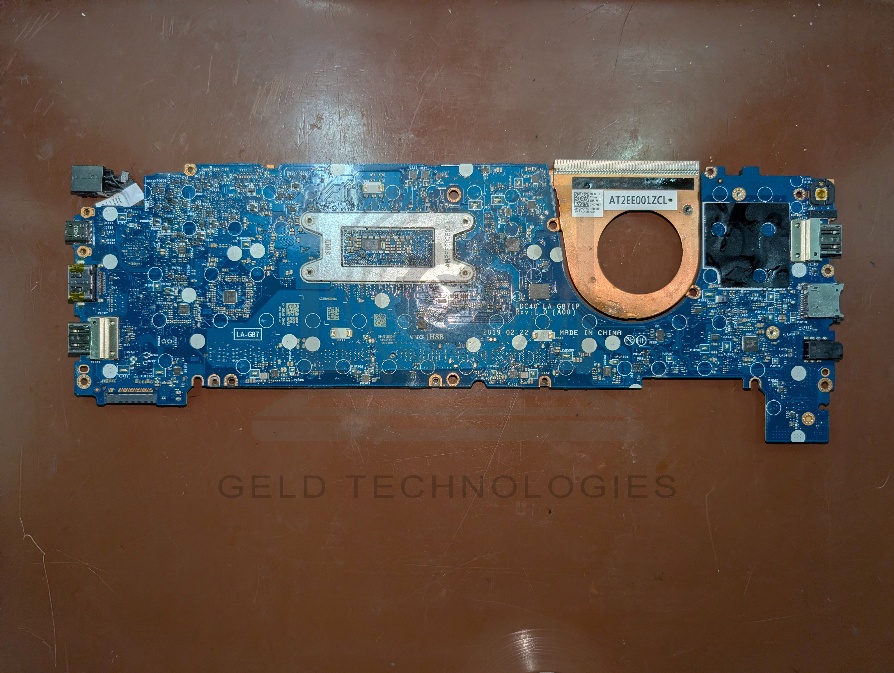
After: Working again, with screen watermarks remaining
Following repair and testing, the laptop was operational again. The only remaining issue was the watermarked built-in screen.
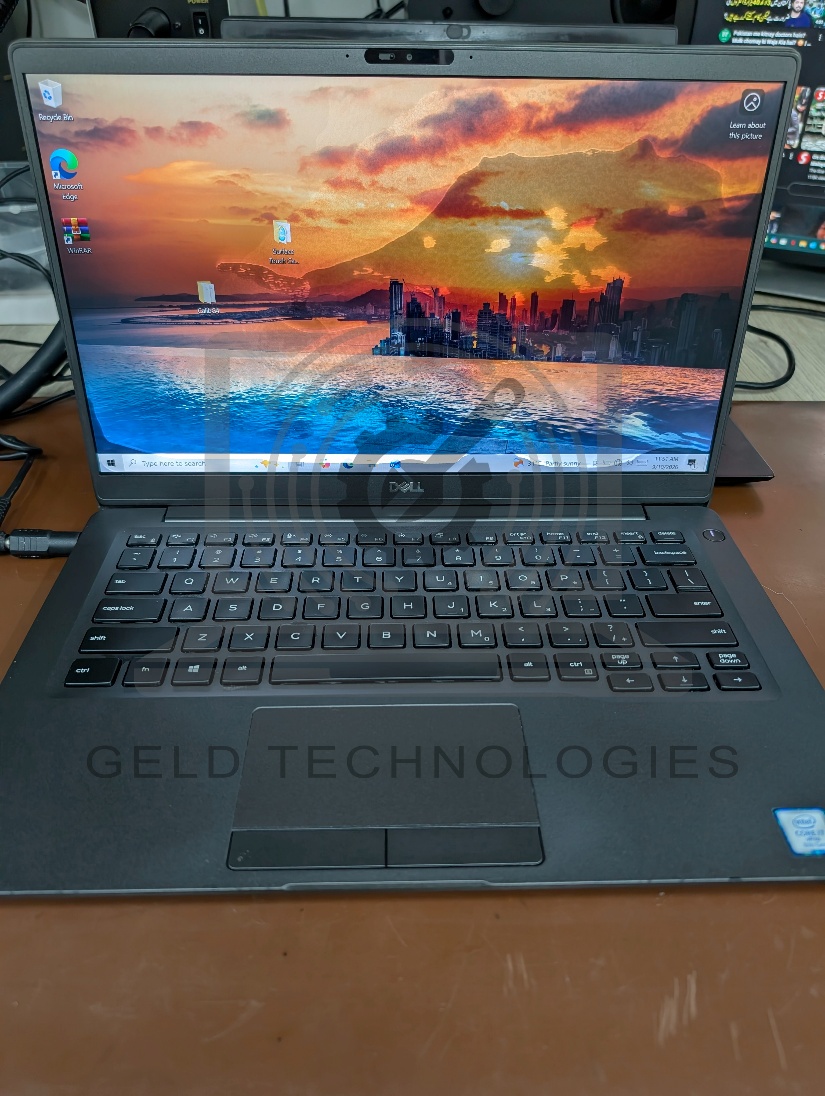
The customer chose to retain the existing screen because they use an external display. Screen replacement was therefore excluded from the repair.
Repair outcome

Repair completed by
Gurubaran
Electronics Lead · 6+ years · 8,600+ devices repaired
Specialising in board-level diagnostics and liquid damage recovery. Meet our full team →
What to do after a laptop liquid spill
- Switch the laptop off and disconnect its charger promptly.
- If possible, disconnect the battery.
- If liquid spill occurred on the keyboard, keep the laptop flipped upside down.
- Avoid turning it back on or connecting the charger to check whether it still works.
- Wipe away accessible surface water and arrange an internal inspection as soon as possible.
- Do not assume that a dry exterior means the motherboard and other internal components are dry.
Frequently asked questions
Is a plain water spill really worth repairing?
Yes, in most cases. Plain water from a glass of water, bottled water or tea without heavy additives usually causes less corrosion than coffee, soft drinks or seawater. If the laptop is brought in powered off within 24 hours and before any switch-on attempt, we recover around four out of five units with board-level work. The cost is almost always lower than replacing the laptop.
Can you recover my data if the laptop will not turn on?
Yes. Data recovery is handled separately from the water damage repair. We can remove the SSD or hard drive, image it on a drive duplicator, and recover files to an external drive. This works even if the motherboard is beyond repair. Data recovery is quoted separately from the hardware repair and depends on the drive condition.
Spilled liquid on your laptop in Klang Valley?
Act fast. Switch off, do not turn back on, and bring it in. We'll diagnose the damage, confirm the price before we start, and tell you honestly whether repair is worth it.
No Fix / No Charge · We confirm pricing before we start · 30-day workmanship warranty on board-level work